
CX AI Agent Reshapes Wallboard Analytics — From Watching to Asking
The fastest way to get an answer from a dashboard shouldn't be to learn the dashboard.
But that's the deal most reporting tools quietly ask you to accept. You want to know whether yesterday's afternoon spike was a one-off or a pattern? Open three tabs, filter by queue, change the time range, eyeball two charts, export to Excel, CSV. Ten minutes later, you have a number. By then, the meeting it was meant for has moved on.
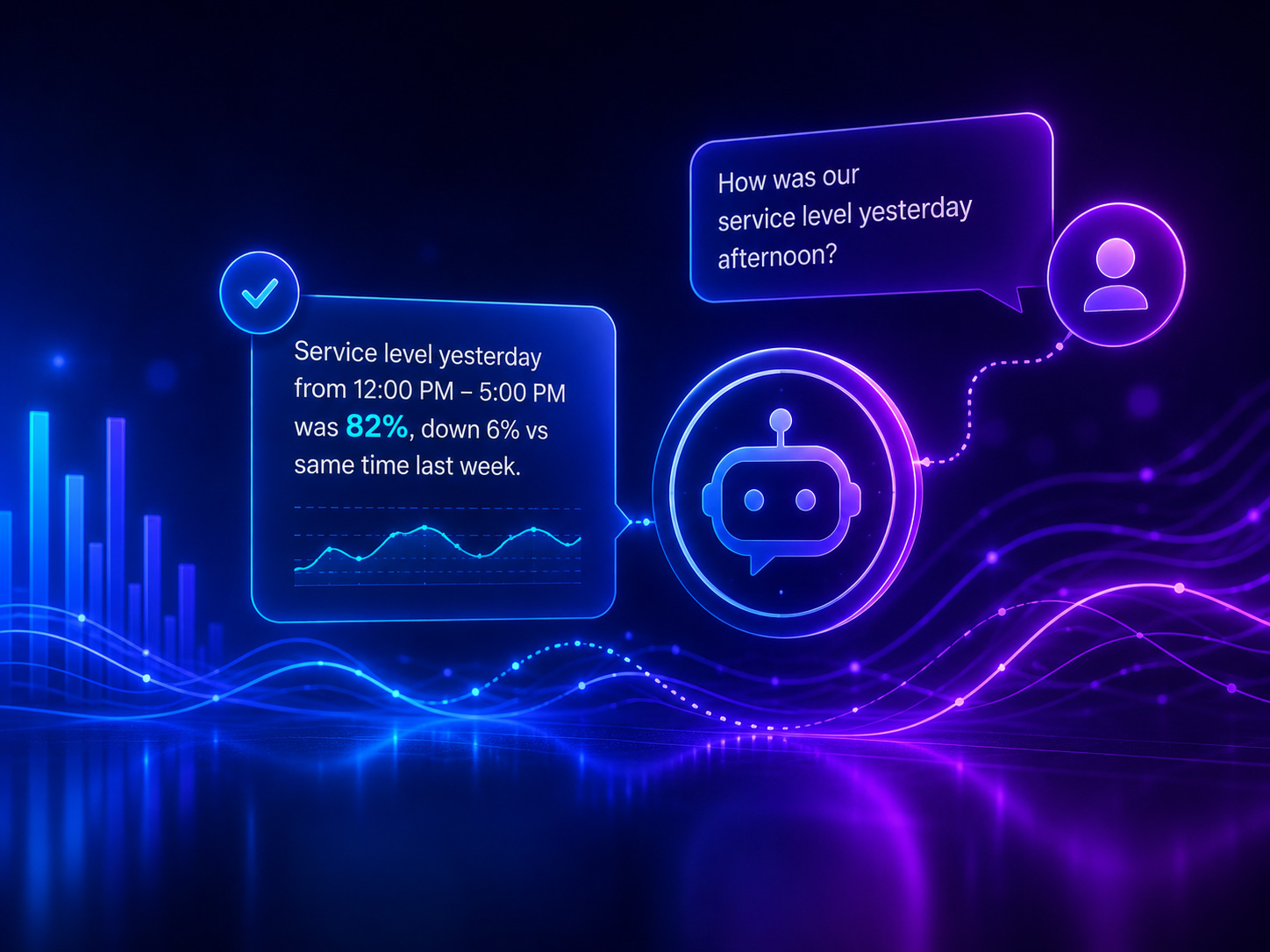
That's the friction CX AI agent analytics is built to remove. You ask. It answers. In any language you speak, in seconds, against the same real-time telemetry layer your wallboards run on.
The problem isn't a lack of data. It's the cost of getting to it.
TeamsCX Reporting, provide the real-time reporting, the Insight reporting gives you more telemetry than a manager could read in a year. Queue health. Agent presence. Adherence and service levels. Call journeys. Wallboard tiles refreshing every few seconds.
That abundance is the point — and also the trap.
Because the harder your dashboard works, the more you have to work to interpret it. Every question becomes a small research project:
- "Did our weekend service level recover after we added two agents?"
- "Which queue is dragging our overall CSAT down this month?"
- "Is John's adherence actually slipping, or is it just one bad shift?"
Each of those questions is answerable from the data you already have. The bottleneck isn't the data. It's the time and dashboard literacy required to extract it. Studies of operational decision-making consistently find that the delay between question and answer is one of the biggest hidden costs in customer operations — not the cost of bad decisions, but the cost of decisions that arrive too late to matter.
The shift: an AI agent assistant that lives inside your telemetry
The CX AI agent inside TeamsCX Reporting is not a chatbot bolted onto a dashboard. It's an analytics assistant that reads the same real-time telemetry layer your wallboards do — and lets you ask it questions the way you'd ask a smart analyst sitting next to you.
You type, "What was our average wait time in the Billing queue between 2 and 4pm yesterday?" It returns the number.
You ask, "How does that compare to the same window last week?" It pulls the comparison, highlights the delta, and notes whether it's statistically meaningful or within normal variance.
You ask, "Why?" — and it looks at agent presence, call volume, adherence, and queue routing for that window, and gives you a plain-language explanation of what likely drove the change.
Three things the CX AI agent does that a dashboard can't
Retrieve exactly what you asked for. No filter-hunting. No tab-switching. "Show me every call over 3 minutes in the support queue this morning" returns the list. "Export it as a CSV" sends the file.
Compare without you doing the math. "Is our service level trending up or down across the last 8 weeks?" gets you the trend, the slope, and the inflection points — not a chart you have to interpret.
Explain, then recommend. When something looks off — a queue drifting below SLA, an agent's adherence dropping, presence patterns shifting — the agent doesn't just flag it. It proposes what's likely going on and suggests where to look next. You stay the decision-maker. It clears the path to the decision.
-
Why this matters more for executives than for analysts
A senior analyst already knows how to wrangle dashboards. They live in them. The people who don't — and who arguably need the data most — are the executives, managers, and IT leaders making operational calls under time pressure.
For that audience, a wallboard is often a wall. Useful for the people fluent in it, opaque for everyone else. The CX AI agent flattens that. A regional manager who's never opened the reporting console can ask, "How did the Manila team perform on weekend service levels this month, and what's pulling the number?" — and get a real answer, in the meeting, before the conversation moves on.
That's not a small upgrade. That's the difference between data that informs decisions and data that gets cited after them.
Where the AI agent fits inside TeamsCX Reporting
The CX AI agent draws on the full TeamsCX Reporting data layer:
- Real-time queue health and service level monitoring
- Agent presence and real-time adherence
- Historical call data and trends
- Call journey timelines for individual interactions
- Alert history and threshold events
Add actual CX AI Agent image here
You can ask it operational questions ("Who's available in the VIP queue right now?"), trend questions ("How has first-call resolution moved over the last quarter?"), or diagnostic questions ("Why did we breach SLA on Tuesday afternoon?") — and it pulls from whichever data layer the question needs, without you specifying.
It works inside Microsoft Teams, where the rest of TeamsCX lives. No new tool. No new tab. Same place your team already works.
The point isn't to replace the wallboard
Wallboards still matter. So do drill-down dashboards. So do exported reports. The CX AI agent doesn't replace any of that — it removes the toll booth between you and the insight.
Watch the wallboard when you want a live read of the operation. Ask the AI agent when you want a specific answer, a comparison, an explanation, or a recommendation — and you want it before the meeting ends.
That combination is what shifts service quality from "we'll investigate and follow up" to "here's what's happening, here's why, here's what we're going to do."


