
TCX Real-Time Reporting V4: The Full Call Journey, Finally
Until now, the call journey told most of the story — but not all of it.
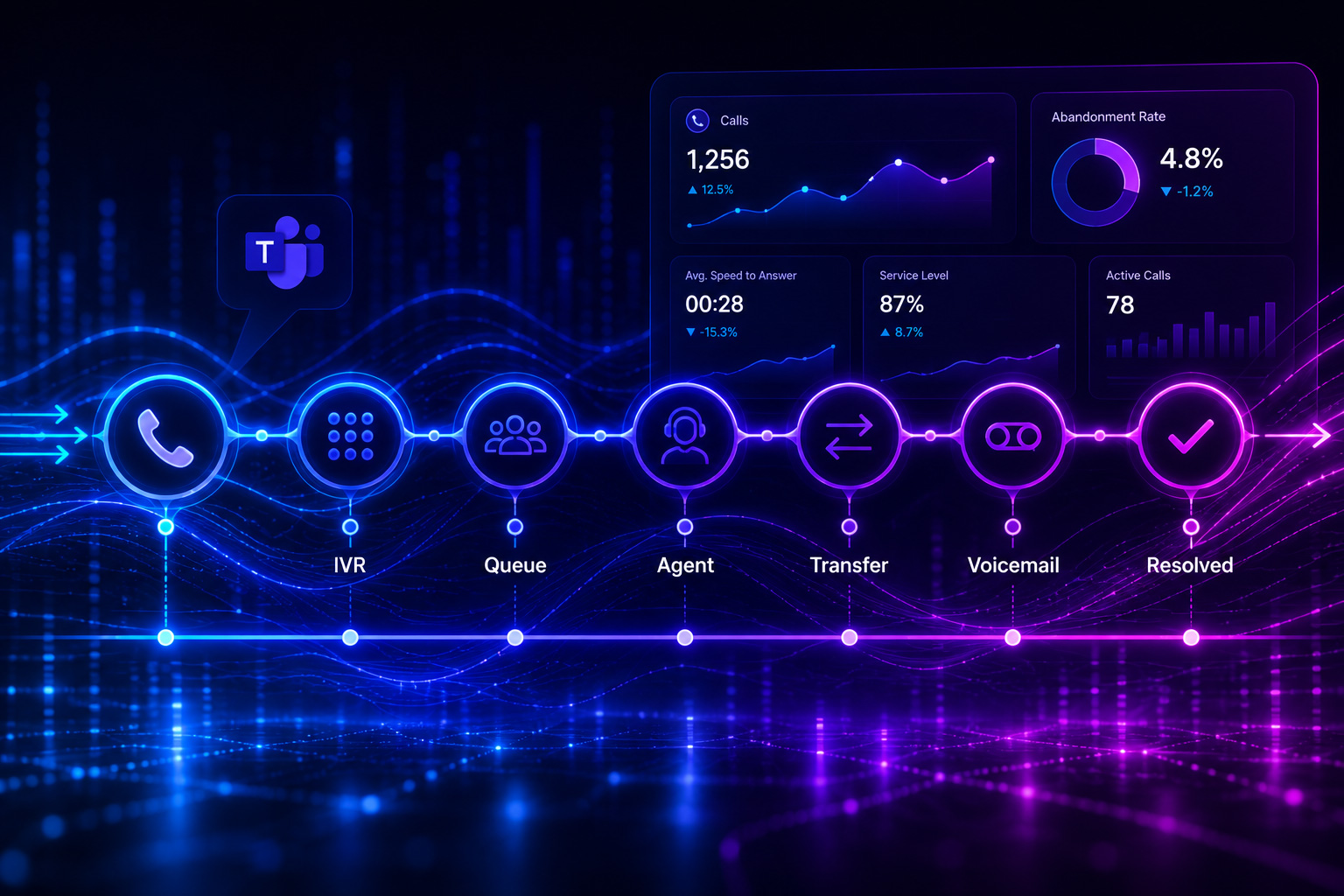
A call arrives. It waits in queue. An agent picks up. That part was always visible. But what happened before? What if the caller hit voicemail? What if the call transferred twice before landing with the right person? Those steps lived in separate reports, or nowhere at all. You had to piece the timeline together yourself — and often, you couldn't.
Version 4 of TCX Real-Time Reporting changes that. Here's what's new and why it matters.
The full call journey, from first attempt to final outcome
The most significant change in this release is simple to describe and harder to overstate: the call journey timeline now reflects everything that actually happened.
We've expanded the telemetry we pull directly from Microsoft, which means the timeline you see is the timeline that occurred — no gaps, no guessing. That now includes:
Voicemail. Calls that route to voicemail are captured in the journey, not lost between steps. If a customer ended up in voicemail, you'll see it.
Call transfers. Every handover and redirect is tracked from start to finish. If a call moved between agents, queues, or external numbers, the full chain is visible.
The complete arc. From the first attempt to reach the callee through to the moment the call ends, the timeline is unbroken.
When a call doesn't go the way you expected — a complaint, a breach, an escalation — you no longer need to reconstruct what happened from three separate reports. It's all in one place.
A redesigned interface built for fast decisions
We rebuilt the entire experience around the TeamsCX design system. Sharper hierarchy, cleaner spacing, smarter use of color. Every detail is designed to point your attention to what matters and get out of the way of everything else.
The practical result: a dashboard you can scan in seconds and trust at a glance — whether you're reviewing performance over coffee or responding to a spike in real time.
In an upcoming release, the same design system will let you customize your dashboard layout directly: rearranging and resizing panels so the view matches how your role actually works. A supervisor running a large queue sees something different from a manager doing an end-of-day review. That distinction will soon be yours to define.
Call Queue and Agent views, clearly separated
In previous versions, queue performance and agent performance lived in the same view. When something moved, it wasn't always obvious whether you were looking at a routing problem or a staffing problem.
We've separated the two:
Call Queue view shows calls waiting, calls connecting, abandonment rate, agents in queue who are unavailable, and overall queue performance — all in one place.
Agent overview shows real-time availability and status across your team, plus a service-level ranking that surfaces your top performers at a glance.
The separation matters in practice. When a number starts moving, you'll know straight away whether the fix is routing or staffing — without digging through reports to find out. Faster diagnosis, faster response, fewer minutes lost before service levels recover.
Why this version is a step change, not an incremental update
Most software updates improve existing features. This release changes what you can see.
A complete call journey means you can have honest conversations about what happened on a given call — not a partial account, but the actual sequence of events. That changes how you handle complaints, how you review agent performance, and how you design routing. You're working from evidence instead of inference.
The redesigned interface and separated views reinforce the same principle: less time navigating, more time acting.
Ready to see it?
If you're an existing customer, just let us know — we'll handle the switch in one quick session, no disruption to your day.
If you're evaluating TeamsCX, this is a good moment to take a closer look at what real-time visibility on Teams Phone should actually feel like.


